Are you looking for the perfect AR room design app to kickstart your home makeover? You’re not alone. We’ve all been there: staring at an empty room or a piece of furniture online, trying to guess if that stylish armchair will actually fit, or if that bold paint color will look as good on your wall as it does on a tiny swatch. The guesswork, the uncertainty, and the fear of making a costly mistake can turn an exciting project into a stressful one.
Table of Contents
But what if you could eliminate the guesswork entirely? Thanks to the power of Augmented Reality (AR), you can. AR technology is revolutionizing interior design by allowing you to use your smartphone’s camera to virtually place furniture, test decor, and visualize a complete room makeover in real-time, right in your own space. It’s the ultimate tool for designing with confidence.
This guide will walk you through the best AR apps on the market, helping you transform your vision into reality, one virtual sofa at a time.
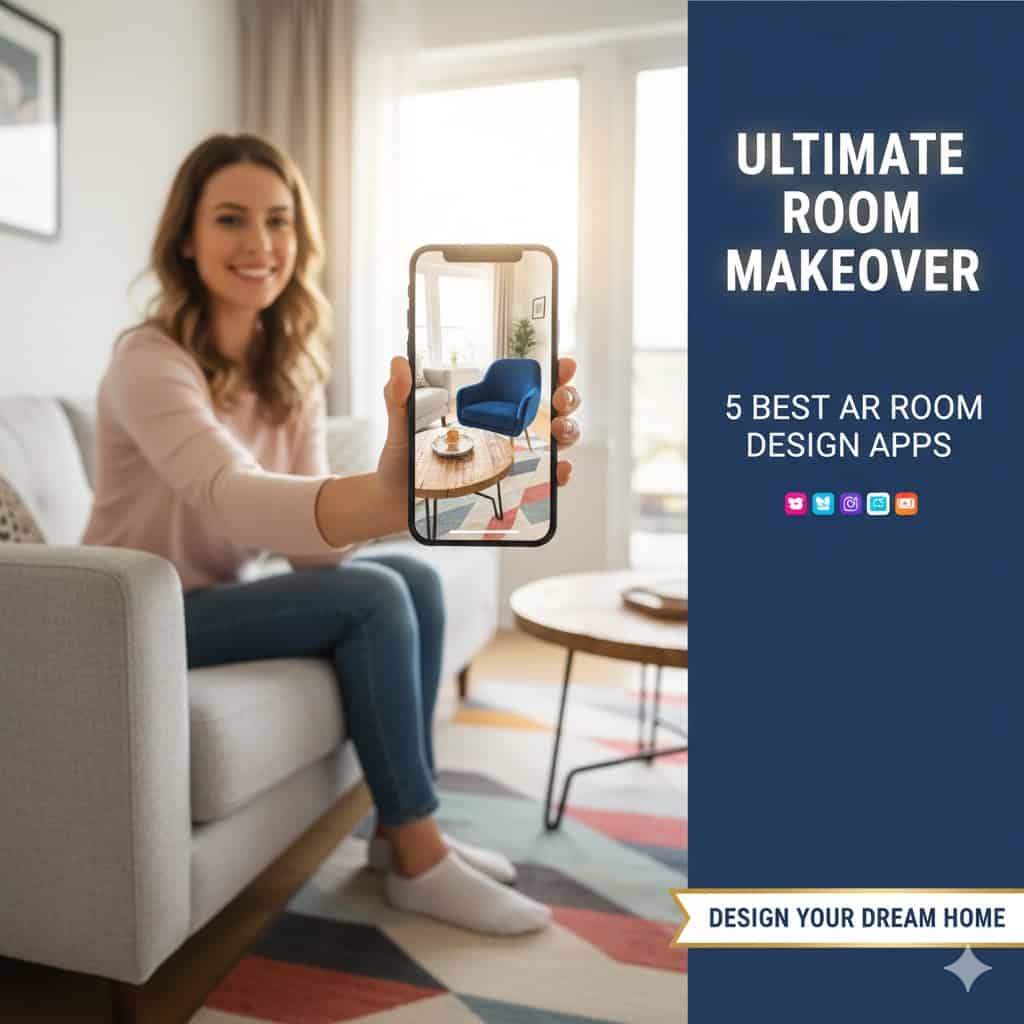
Why an AR room design app is game changer ?
Before we dive into the top apps, it’s important to understand why this technology is so transformative. Using an AR room design app isn’t just a gimmick; it solves real problems for anyone redecorating their home.
- Eliminate Costly Mistakes: The biggest benefit is saving time and money. By visualizing a product in your space, you can confirm it fits and matches your style before you buy, dramatically reducing the risk of returns and buyer’s remorse.
- Boost Your Confidence: Seeing a lifelike representation of how a piece of furniture or a new color scheme will look in your home removes uncertainty and helps you make bold design decisions with confidence.
- Design from Your Couch: These apps offer the ultimate convenience. You can experiment with countless layouts, styles, and products without ever leaving your home, which is perfect for busy schedules.
The 5 Best AR Room Design Apps for Your Next Project
1. IKEA Place
IKEA Place remains one of the most popular and effective AR apps, and for good reason. It allows you to virtually place true-to-scale 3D models of IKEA products—from sofas and tables to lamps and rugs—directly into your room. The app is incredibly simple to use and excels at giving you an accurate sense of a product’s size and style in your home’s context.
- Platforms : iOS, Android
- Best For: Budget-conscious shoppers and fans of IKEA’s signature style
Link to Download the IKEA App for Best Experience : [ LINK ]
Key Features:
- Vast library of IKEA products rendered in 3D.
- Simple, intuitive point-and-place AR functionality.
- Direct integration with the IKEA online store for easy purchasing.
2. Houzz
- Best For: Finding inspiration, shopping from multiple brands, and connecting with professionals.
- Platform: iOS, Android, Web
Houzz is more than just an app; it’s a complete home design ecosystem. Its “View in My Room 3D” feature lets you visualize hundreds of thousands of products from various brands in your space. What sets Houzz apart is its massive library of inspirational photos and the ability to connect with interior designers and contractors directly through the app, making it a one-stop shop for your entire project.
Key Features:
- AR visualization for products across a wide range of brands and price points.
- Millions of high-resolution photos for design inspiration.
- A built-in marketplace to shop for products and hire professionals.
Link to Houzz Website : [ LINK ]

3. Wayfair
- Best For: Shoppers who want an enormous selection of furniture and decor.
- Platform: iOS, Android
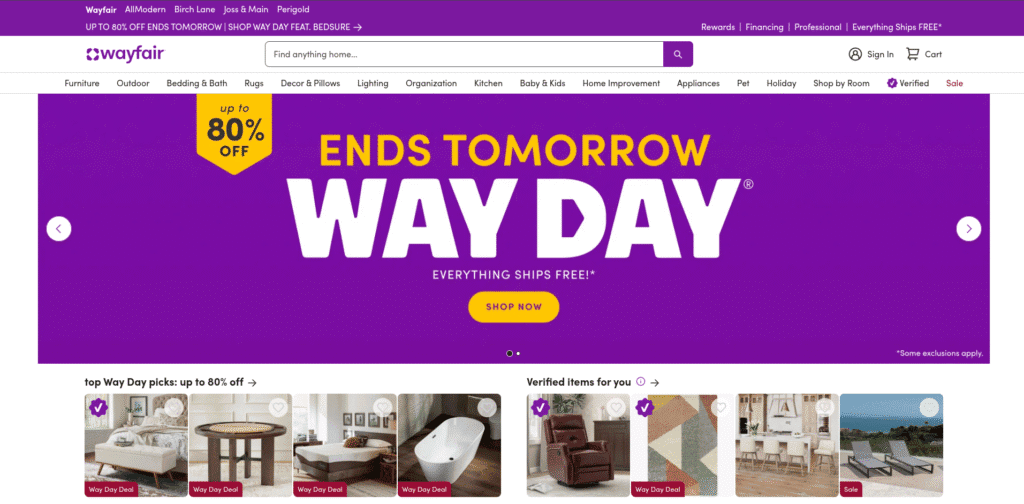
Wayfair’s mobile app includes a powerful “View in Room 3D” feature that is seamlessly integrated into its massive online store. With one of the largest catalogs of furniture and home goods available, the app allows you to test out an incredible variety of items in your home. The AR models are realistic, and the experience of switching between products is smooth, making it easy to compare different styles quickly. ( AR Room Design App )
Key Features:
- AR placement for millions of products.
- User-friendly interface integrated directly into the shopping experience.
- Frequent sales and a wide variety of styles to fit any budget.
Link to WayFair Website : [ LINK ]
4. Planner 5D
- Best For: Creating detailed 2D and 3D floor plans before decorating.
- Platform: iOS, Android, Web, Windows
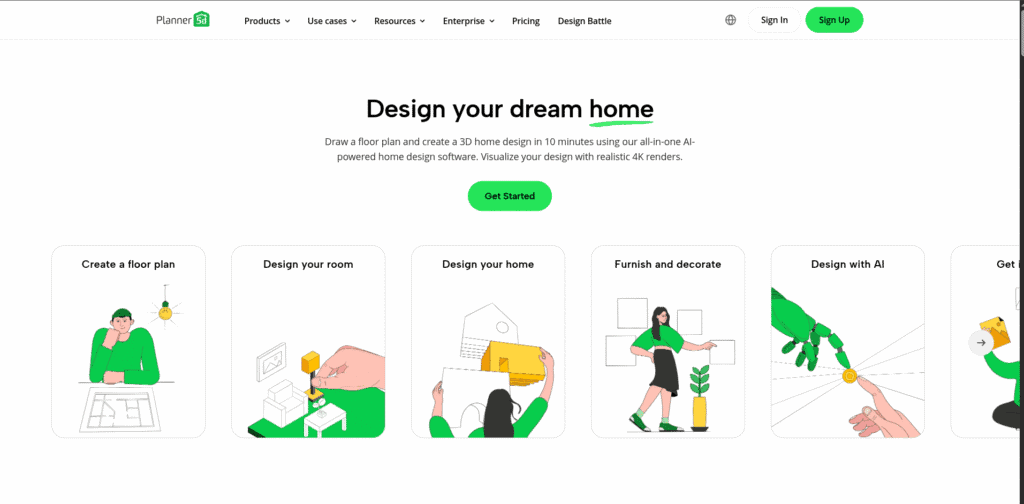
Planner 5D is a powerful AR room design app that takes a more comprehensive approach. You can start by creating detailed 2D floor plans and then instantly switch to a 3D view to decorate your virtual space. Its AI-powered features can even help you generate realistic renderings with accurate lighting and shadows. While it has a steeper learning curve than simpler shopping apps, it offers unparalleled control for planning a full room layout.
Key Features:
- Build and customize detailed 2D & 3D floor plans.
- An extensive catalog of over 8,000 customizable decor and furniture items.
- AI-assisted design features and high-quality renderings.
5. Magicplan
- Best For: Accurately capturing your room’s dimensions and creating floor plans.
- Platform: iOS, Android
While many apps focus on decoration, Magicplan excels at the crucial first step: planning. Using your phone’s camera, the app can measure your room and automatically create an accurate floor plan in minutes. This is an essential tool for ensuring everything fits perfectly. Once your plan is created, you can add objects and even export the plan to use in other design software. ( AR Room Design App )
Key Features:
- Create floor plans simply by taking pictures.
- Add notes, photos, and 360° views to your plans.
- Generate detailed reports and estimates, which is great for renovation projects.
link to MagicPlan Website : [ LINK ]

Pro Tips for Getting the Best Results
To make your virtual design experience as realistic as possible, follow these simple tips:
- Use Good Lighting: AR works best in a well-lit room. Natural daylight is ideal, as it helps your phone’s camera accurately detect surfaces and colors.
- Clear the Clutter: Before you start placing virtual items, tidy up the area. A clear floor and empty space will give the app a better surface to map, resulting in more accurate placement.
- Double-Check Dimensions: While AR is impressively accurate, it’s always a good idea to cross-reference with a physical tape measure, especially for large items or tight spaces.
Frequently Asked Questions (FAQ)
What app lets you see furniture in your room? Apps like IKEA Place, Houzz, and Wayfair are specifically designed to let you use your phone’s camera to see virtual furniture in your room in real-time.
How can I do a virtual room makeover for free? Many of the best apps, including IKEA Place and the basic versions of Houzz and Planner 5D, are free to use. They offer a great way to experiment with design ideas without any financial commitment.
Are AR design apps accurate? Yes, modern AR apps are surprisingly accurate at scaling objects to the correct size. However, for a perfect fit, it’s always wise to confirm key measurements manually.
Your Dream Room is Just a Tap Away
The days of design guesswork are over. With a powerful AR room design app in your pocket, you have everything you need to plan, visualize, and execute the perfect room makeover with total confidence. Whether you’re furnishing a new home or just refreshing a single room, these tools empower you to bring your creative vision to life.
So pick an app, clear some space, and start designing. Your ultimate room makeover is waiting.
References:
- https://euphoriaxr.com/best-ar-apps-for-interior-design/
- https://www.shopify.com/blog/augmented-reality-furniture
- https://www.bitcot.com/best-home-interior-design-apps/
- https://www.decorilla.com/online-decorating/ai-interior-design-for-room-design/
- https://www.alphaklick.com/top-interior-design-apps-for-ios-and-android/
- https://digitaloneagency.com.au/home-renovations-with-ar/
- https://www.wordstream.com/blog/seo-trends-2025
You may also like :