# Best NAS hard drives in 2026: IronWolf, WD Red and Toshiba N300 compared
Canonical: https://kextcache.com/best-nas-drives/
*Updated 18 Nov 2026: added a spec comparison from the makers' own pages and corrected the WD Red note. Both WD Red Plus and Red Pro use CMR.*
For most home and small-business NAS builds, buy a CMR drive made for NAS use. Seagate IronWolf, WD Red Plus and Toshiba N300 are made for NAS boxes with up to 8 bays (12 for the larger N300 models). Each is rated for 180 TB of data a year and has a 3-year warranty. IronWolf Pro and WD Red Pro are the step up, with a 550 TB/year rating, a 5-year warranty and no bay limit. Their makers list all five lines as CMR.
Below are the specs side by side, then the drive-tech basics, the four drive families and how to pick for your setup.
Top 24 Docker apps for your home server (2026 guide)
## NAS drive comparison (November 2026)
| Drive | Recording | Capacities | NAS bays | Workload rating | Warranty |
| --- | --- | --- | --- | --- | --- |
| **Seagate IronWolf Pro** | CMR | 2 to 32 TB | No limit | Up to 550 TB/year | 5 years, plus 3 years of Rescue data recovery |
| **Seagate IronWolf** | CMR | 2 to 16 TB | 1 to 8 | 180 TB/year | 3 years, plus 3 years of Rescue data recovery |
| **WD Red Pro** | CMR | 2 to 26 TB | Any number | Up to 550 TB/year | 5 years |
| **WD Red Plus** | CMR | 2 to 12 TB | Up to 8 | 180 TB/year | 3 years |
| **Toshiba N300** | CMR | 4 to 22 TB | 1 to 8 (up to 12 on larger models) | 180 TB/year | 3 years |
These specs come from each maker's product pages, checked on 18 Nov 2026. The 28, 30 and 32 TB IronWolf Pro models use Seagate's Mozaic HAMR platform and are still CMR. Seagate's Rescue data recovery isn't offered in every country. Prices change daily, so check the buying links under each drive.
## Drive Technology Basics: SMR vs CMR (and why it matters)
When buying drives for a NAS, the underlying technology of the **hard drives** inside the NAS is an often-overlooked but important factor. Two main types:
- **CMR (Conventional Magnetic Recording)**: Also sometimes called PMR. Writes tracks independently. Better random write performance, better for frequent rewrites, rebuilds, multi-user/RAID environments.
- **SMR (Shingled Magnetic Recording)**: Overlaps tracks like roof shingles; higher density (more TB per platter) and lower cost, but weaker performance under certain workloads (especially rewrites or RAID rebuilds).
**Why it matters for NAS:** If your NAS is going to be used for active file sharing, many users, RAID rebuilds, streaming + writing, you’re better off with CMR drives. If it’s largely archival (write once, read many) or you’re cost-sensitive and the workload is light, SMR might suffice.
**Bottom line**: For most home & small business NAS, prefer CMR-rated drives (or drive models specified as NAS/RAID-friendly). Use SMR only when cost is dominant and write workload is light.
### Selection Criteria
Here are the criteria we used to pick the top drives:
- NAS-optimised drives: good reliability, NAS firmware, RAID compatibility
- Balanced capacity and value for typical home or SMB usage
- Consideration of drive technology (SMR vs CMR)
## Top 4 NAS Drives to Consider
### Seagate IronWolf Pro (NAS Drive Series)
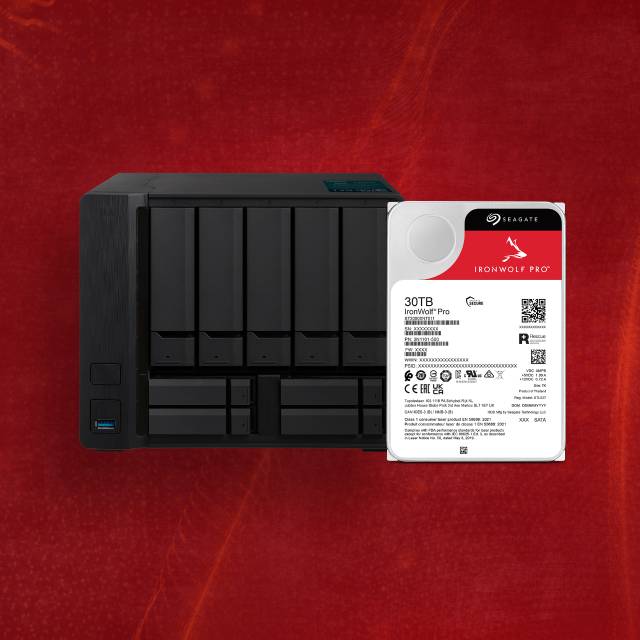
Seagate IronWolf Pro 30 TB. Image: Seagate.
- **Pros:**
- Built for NAS/RAID use, rated for 24/7 operation; reliability/back-end features strong.
- Uses CMR technology, so better for write‐heavy and rebuild scenarios.
- High capacities available, helping reduce number of drives needed.
- **Cons:**
- Higher cost per TB compared to entry drives.
- Some very large-capacity models may still have long rebuild times.
- For pure archival/light use, its extra features may be overkill (cost/benefit).
Buying Links (Amazon India) : [IronWolf Pro 2TB](https://amzn.to/4oW4UNz) | [IronWolf Pro 4TB](https://amzn.to/4qEFg1h) | [IronWolf Pro 10TB](https://amzn.to/49uNV08)
### Seagate IronWolf (non-Pro series)
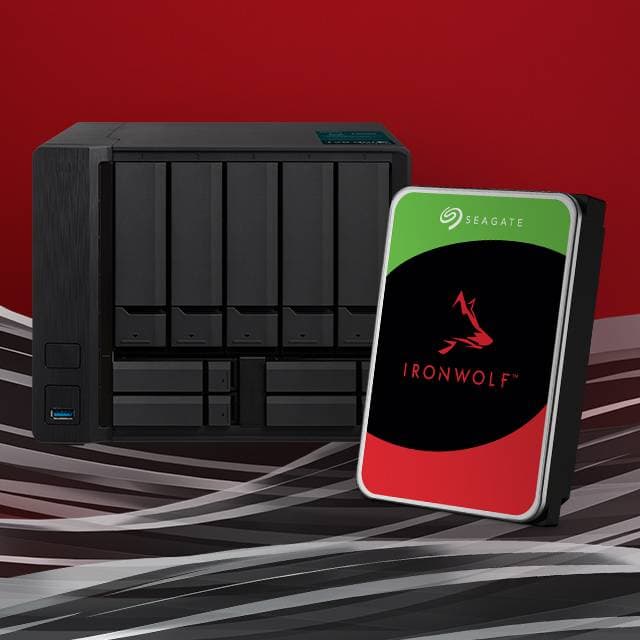
*Seagate IronWolf. Image: Seagate.*
- **Pros:**
- Good value for many home/SMB NAS setups.
- Wide range of capacities.
- **Cons:**
- A lower workload rating than the Pro (180 TB/year against 550 TB/year), and Seagate lists it for NAS boxes with 1 to 8 bays. That makes it a weaker fit for heavy RAID rebuilds or many users.
- Performance varies by capacity: depending on the model, it spins at 5,400 or 7,200 RPM.
Buying Links (Amazon India) : [IronWolf 2TB](https://amzn.to/4hK6gIK) | [IronWolf 4TB](https://amzn.to/4oKrKYc) | [IronWolf 6TB](https://amzn.to/3LFK7PG)
### Western Digital Red Plus / Red Pro (NAS HDD Series)
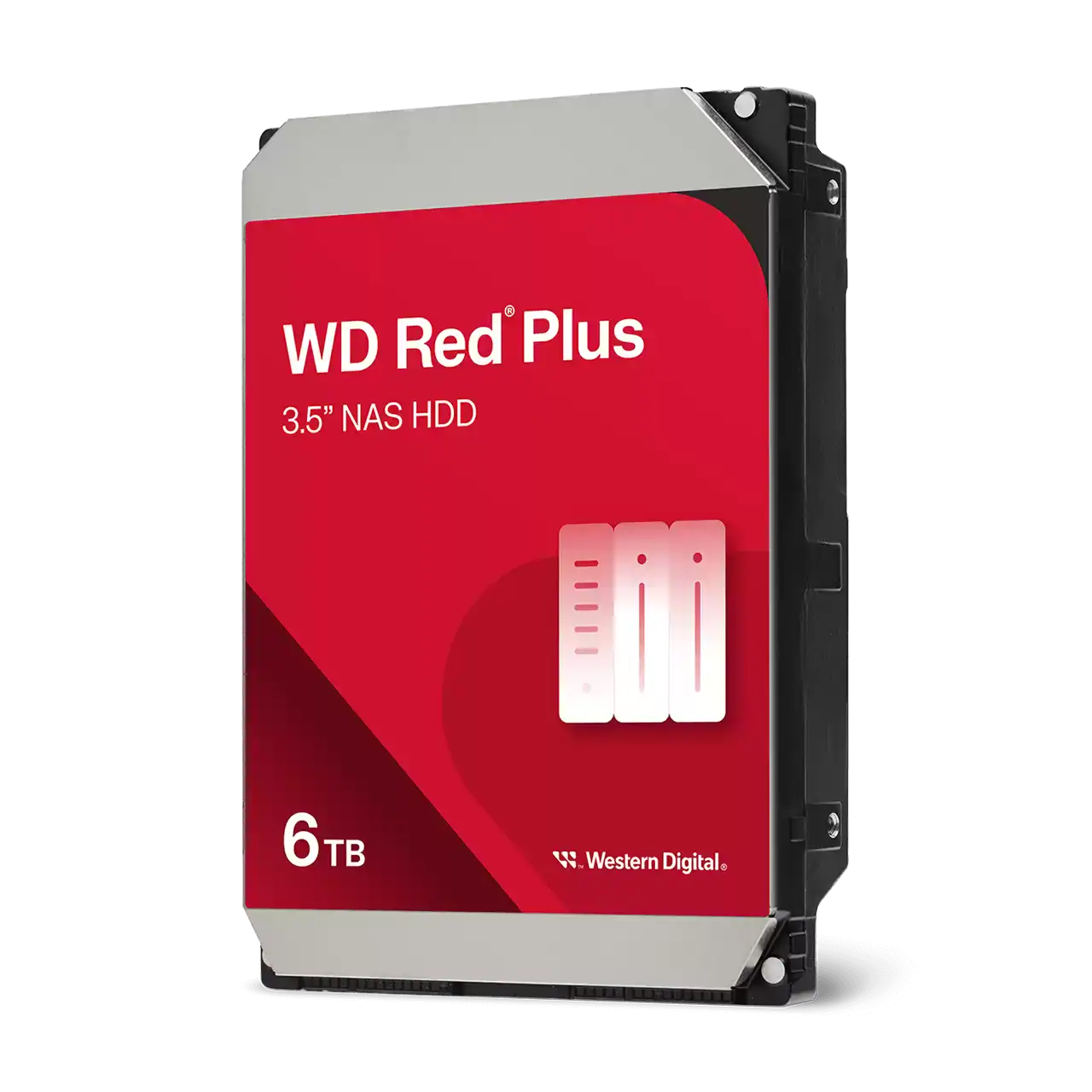
WD Red Plus 6 TB. Image: Western Digital.
- **Pros:**
- Specifically labelled for NAS use; better assurance of compatibility and reliability.
- Strong brand/trust factor for home/SMB setups.
- **Cons:**
- The Red Plus is rated for NAS boxes with up to 8 bays and 180 TB/year, and spins at 5,400, 5,640 or 7,200 RPM depending on the model. For bigger or busier arrays, WD points you to the Red Pro (7,200 RPM, 550 TB/year, any number of bays).
- Performance (especially for large multi-drive RAID) may lag the highest-end models.
Buying Links (Amazon India) : [WD 2TB WD Red Plus](https://amzn.to/4hLPkSk) | [WD 4TB WD Red Plus](https://amzn.to/47TbxKB) | [WD 10TB WD Red Plus](https://amzn.to/4oOqgMx)
### Toshiba N300 (NAS HDD Series)
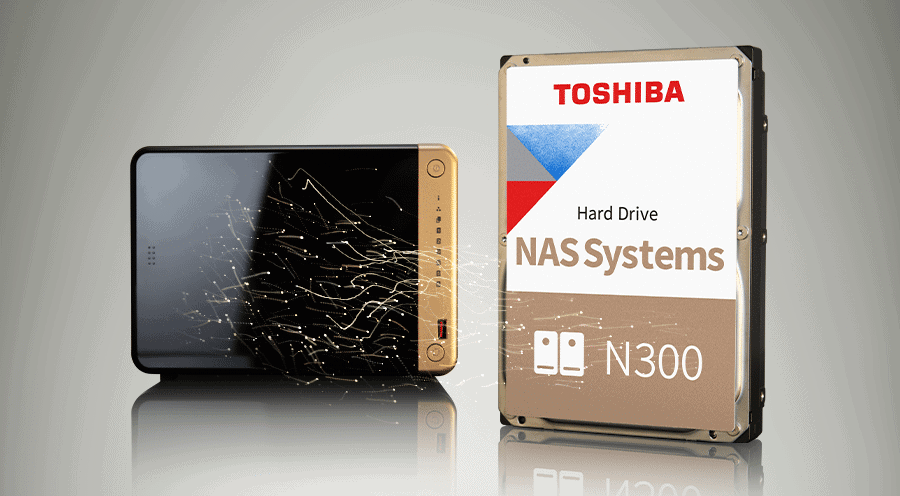
Toshiba N300. Image: Toshiba.
- **Pros:**
- Good budget option for NAS use, decent capacity and features for value-focused buyers.
- CMR, 7,200 rpm and a 180 TB/year rating across the range, from 4 to 22 TB.
- **Cons:**
- Might not have the same firmware optimisations or endurance as premium NAS drives.
- If used in heavier workloads (many users/RAID 6+) might show limits.
Buying Links (Amazon India) : [Toshiba N300 Internal 4TB](https://amzn.to/43cPT1k) | [Toshiba N300 Internal 14TB](https://amzn.to/43djgRb) | [Toshiba N300 Internal 10TB](https://amzn.to/3LkZKvZ)
*(These are affiliate links. Buying through them supports the site.)*
Raspberry Pi 5 uses: 5 practical ways to put it to work
## What to Choose Depending on Your Scenario
- **Home user streaming + backups:** Likely 2-bay or 4-bay, capacity ~8-12 TB (or higher if you media hoard), drives preferably CMR, brand + features for ease of use.
- **Small business / shared files / RAID:** Go 4-bay or more, choose drives explicitly rated for NAS, use CMR, pick a NAS enclosure with good network connectivity (2.5GbE or better if possible).
- **Media library / archive / cold storage:** You might lean towards higher capacity drives, possibly SMR if cost is important and writes are minimal; but RAID reliability still matters.
- **Growth / advanced prosumer lab:** Choose expandable NAS enclosure, high-capacity drives (16 TB+), good network connectivity (10 GbE), and drives with NAS/enterprise reliability. Past 8 bays, IronWolf Pro or WD Red Pro are the drives rated for it.
## Final Thoughts
Purchasing the right NAS drive is about more than just “how many TB”. The **type of drive recording technology (CMR vs SMR)**, the **NAS enclosure hardware**, and your **usage scenario** all matter. For most users, I’d suggest starting with a trusted brand, drives rated for NAS use (CMR), and a capacity you’ll be happy with for the next few years.
For the rest of the build, see our guides to [building a home server](/ultimate-home-lab-guide/), [homelab hardware](/build-homelab/), [picking an OS for a home server](/best-os-for-home-servers/) and [the software to run on it](/best-home-server-software-for-linux-in-2025/).
## Changes
- 18 Nov 2026: added the spec comparison table and sources, corrected the intro (it promised 10 picks; the guide covers four drive families) and replaced the note that WD Red Plus may use SMR: WD lists both Red Plus and Red Pro as CMR.